How to fix: Outlook on iOS/iPhone: "No Internet Connection"
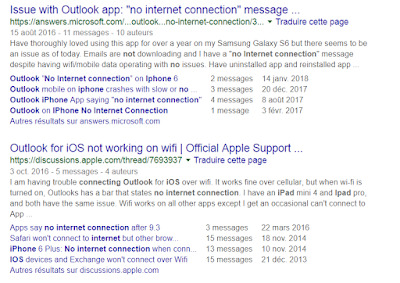
Microsoft Outlook is probably one of the best (if not the best) email client for iOS to date. Sadly, you may run into a random annoying problem which basically renders the application useless: it displays a message saying " No internet connection ", at which point you can't receive or send emails anymore. The number of people having this issue is incredibly high, as I discovered when it happened to me yesterday: After reading all of these posts and many more, there did not appear to be a particular solution for this. I had already checked the following: my Internet was of course working properly, on both WiFi and 4G I made sure to allow data/internet usage for the Outlook app I made sure my email accounts were working properly (they work fine on the Outlook desktop app & web) I tried enabling or disabling push notifications but that did not help I tried to use the 'reset account' functionality in the Outlook app settings for each of the accoun...

