Posts

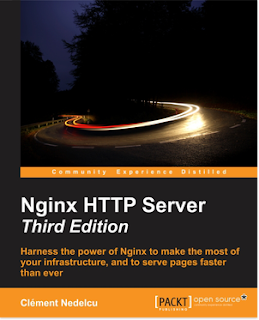
Nginx HTTP Server - Third Edition now available!
Image
I am glad to announce that the third edition of "Nginx HTTP Server" (the book) is now available! You can already buy the ebook over at Amazon.com or directly from Packt Publishing . Paperback version will follow on December 1st. Aside from the numerous corrections, chapter overhauls, and section rewrites, this new edition comes with two entirely new chapters: an introduction to load balancing and optimization real life case studies, starting from scratch It is much more practice-oriented, focusing on examples rather than endless directive bullet lists. We learned a lot from reader reviews and I can safely say that this edition is the best by far! Congratulations to everyone who's been working hard on the project over the past months - especially Siddhesh, Kirti, and Indrajit!  If you are interested in getting a free copy of this book (ebook version), please feel free to post a comment here. I will get back to you quickly!

Disqus comments, 3rd edition, 2 million page views

Just a quick update that most likely no one will read, but here it is anyway: I have switched comment systems, we're now with Disqus. Blogger did a terrible job at preventing spam so I'm hoping I'll get luckier with Disqus. I removed about 2000 spam comments so far. Nginx HTTP Server , 3rd edition is coming up soon ! The first draft is complete. After checking out user reviews online we decided that this edition should focus on examples and case studies, rather than standing for the ultimate directive reference or index. The first edition from 2009/2010 was meant as an exhaustive reference that people could use at all times, but several readers complained that the information was readily available online. We never pretended otherwise but we tried to make the documentation in the book more accessible and legible. Hopefully this new edition will prove satisfying to all. 2 million page views on the blog - we're almost there! In a couple of days the amazing milestone o...

How to fix: jQuery UI progress bar not animating when indeterminate value

Once again I find myself in this situation: - I run into a small problem - I google it: can't find a solution - Try to fix it myself: success I am hoping that by posting this article I will help out a person or two. UPDATE :  a day later, the problem is back, this post is thereby useless. If you know a proper solution I'm all ears! ;-( What's the problem? The jQuery UI progress bar widget is useful in a lot of situations and it's easy to use. When you set its value to "false" (indeterminate/unset), the progress bar animates nicely. The end user feels like something is actually happening.  The problem I've been having is that the progress bar RANDOMLY doesn't animate in my project. I'm sure I must have done something wrong at some point, but the project is so huge that it would take too long to root out the issue on my end. As a result, my users are under the impression that my application has crashed and they reload the page (...

Word 2007/2010/2013: attaching a template (containing custom styles) to a document

Image
As I am writing the third edition of Nginx HTTP Server I often find myself in a situation where I have to apply a specific variety of styles, which are supplied to me by my publisher under the form of a .dot file. There are two operations to perform if you want to be able to see all the styles when editing your document: attaching the .dot / .dotm template file to your document editing the settings to display all styles (not only the "recommended" ones) Attaching a .dot or .dotm file to your document Open the Options dialog in Word. This is usually achieved by going in the "File" (1) menu then clicking "Options". Then open the Add-ins section at the bottom (2). Select "Templates" (3) and click "Go" (4) In the window that pops up, click the "Attach..." button to attach your template file. That's the first step. Editing the settings to display all styles At the bottom right corner of the style select...

wkHTMLToPDF chinese/japanese/korean character support on Linux based systems

This post will explain how to add support for Chinese or Japanese or Korean characters in wkHTMLToPDF - the famous tool that converts HTML pages to PDF documents seamlessly. By default, if you have Chinese characters in your HTML page and convert the page to PDF with wkHTMLToPDF, nothing comes out (blanks replace chinese characters). I doubt this subject will be helpful to a lot of people around the world, but I might need to use this trick again in the future so why not blog about it? The trick is to install Chinese character support on your OS and rebuild the cache. Under Ubuntu, I ran this command to install Chinese fonts: apt-get install fonts-wqy-microhei ttf-wqy-microhei fonts-wqy-zenhei ttf-wqy-zenhei  Note: package names might be different if you aren't under Ubuntu (try  apt-cache search  ... to search for packages) Then, run this command to update the font cache: fc-cache -f -v For Japanese and Korean please use those: https://help.ubuntu.com...

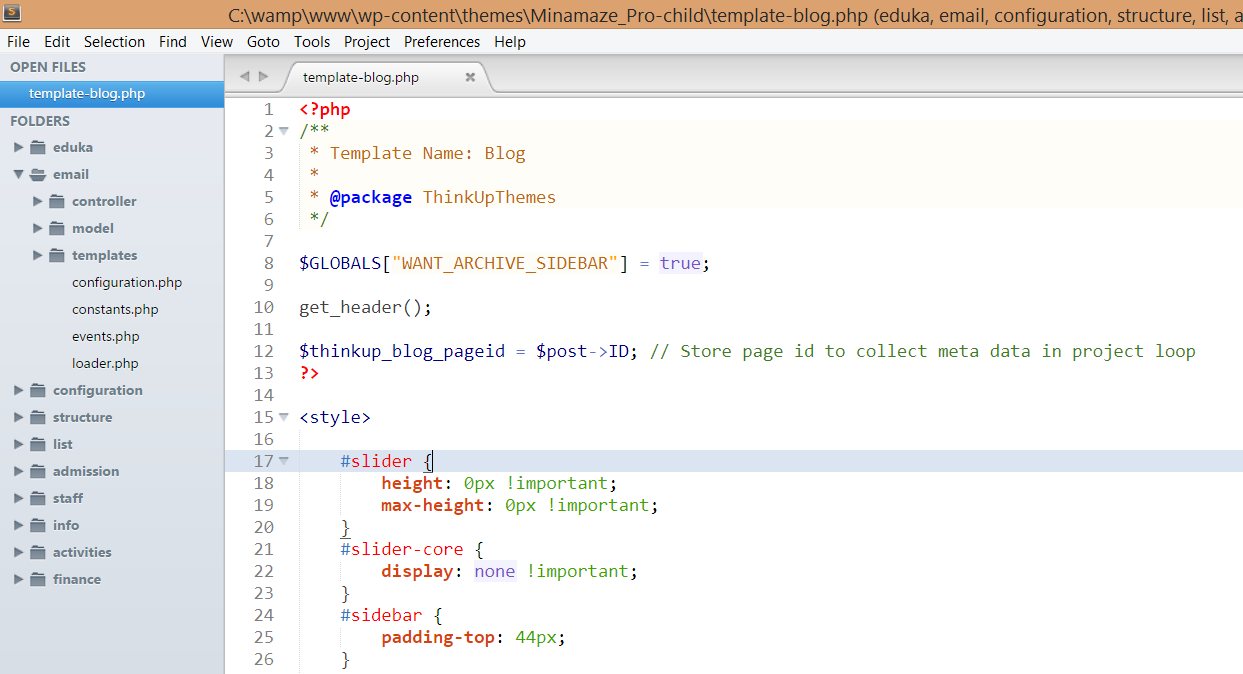
Sublime Text vs phpDesigner vs PhpStorm

Image
Lately I have been trying out several IDE solutions in order to improve my development productivity. Working on large projects made me realize that I was probably not using the right tools. Over the past year I have tried three in particular and I've got a clear winner here. So clear in fact that I thought I should write about it. The three solutions that I am comparing are: Sublime Text (multi-platform, loaded with plugins), $70 phpDesigner (Windows only), 29€ PhpStorm (multi-platform), $99 They all have trial periods so you are free to try them out for a limited time. Also please bear in mind that I am only working on PHP projects, so if that is not the case for you, you might find this article irrelevant. Sublime Text I was originally using Notepad++ as code editor, but when I started working on larger projects I quickly felt the need for something more. I was recommended Sublime Text by a friend. Let me list the pros and cons of the solution before discussi...

HTTPS with Nginx: setting up an SSL certificate in 3 simple steps

This article will explain how to serve content securely over HTTPS via Nginx . This can be done in 3 simple steps detailed below. It's unbelievably easy! I've even added an optional step for optimization, and links for further readings. The three steps are as follows: Step 1: preparing your private key and CSR  Step 2: obtaining an SSL certificate Step 3: Nginx SSL configuration This post is valid as of October 2014, tested with Nginx 1.2, Nginx 1.4 and Nginx 1.6 (probably works with every version above 1.2). For older versions, directive names might change just a tiny bit but the rest of the process should otherwise work normally. Requirements You will need to have OpenSSL installed on your server. To find out whether OpenSSL is installed on your server, type " openssl version ". It should tell you the version you are running. I recommend version 1.0.1 at least because it supports several features which will come in handy in future tutorials (inc...